

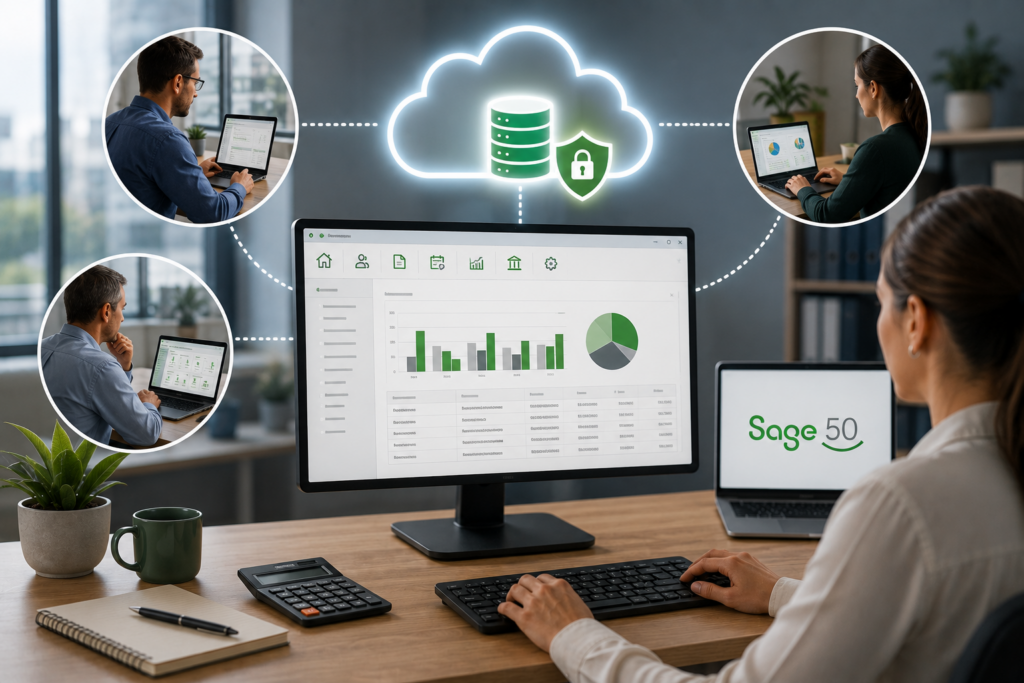
Sage 50 hosting keeps the Sage 50 you already run and lets your whole team reach it from anywhere. Instead of the software sitting on one office PC or a local server, your full Sage 50 runs on a managed cloud server, and staff log in from any device to the same live company data. You keep every feature, report, and add-on, and you gain the remote, multi-user access the desktop never offered on its own. For Sage 50 users who like the software but need to work outside the office, hosting is the path that adds access without asking you to learn a different product. Here is how it works, how it compares to Sage’s own cloud options, and what to look for in a host.
Why host Sage 50 instead of switching
Sage 50 earned its place in your business by handling the accounting the way you need it: detailed reporting, inventory and job costing, payroll, and the workflows your team knows. The trouble is that a desktop install ties all of that to one location. Hosting solves the location problem without touching the software. Your company file, custom reports, and third-party add-ons move to a cloud server, several people can work at once, and there is no server in the office to maintain or replace. Compared with migrating to a different accounting product, you skip the data conversion, the retraining, and the risk of losing features you rely on. You are not changing what you use, only where it runs.
Take a small construction firm running Sage 50 for job costing and payroll. The bookkeeper works from home two days a week, the owner is out on job sites, and the office manager handles accounts payable. On a local install, only one of them is ever really in the file at a time. Hosted, all three are in it at once, from wherever they are, and the job-costing numbers stay current for everyone.
Hosted Sage 50 vs Sage’s own cloud options
“Sage 50 in the cloud” can mean a few different things, and they are not equal. Sage 50 itself is a desktop application, even when it carried the “Sage 50cloud” name, which mostly added Microsoft 365 links and a data-sharing feature rather than making it web-based. Here is how the real options compare.
The honest read: Remote Data Access is useful for occasional remote work, but it still installs Sage 50 on every machine and is built around syncing a copy of the data rather than everyone working live in one place. Switching to Sage Accounting or Sage Intacct means moving to a different product with a different feature set. Hosting is the option that keeps Sage 50 exactly as it is and gives your whole team live, simultaneous access from anywhere. Which of the three is right comes down to one question: do you want to keep Sage 50? If the answer is yes, hosting and Remote Data Access are your lane, and hosting is the one that scales cleanly to a whole team working at the same time.
Choosing a Sage 50 host: what to look for
Several providers host Sage 50, so the question becomes who does it well. A few things separate a good Sage host from a commodity one. Look for a provider whose team actually knows Sage 50, not just servers, so when a report breaks or an add-on misbehaves they can fix the application, not just reboot the machine. Ask where support is based and whether you reach real technicians. Confirm they support your third-party add-ons and payroll in the same environment. And check the security basics: a U.S. data center, managed daily backups, multi-factor authentication, and encryption. The cheapest option is rarely the real bargain, either. A host that treats Sage 50 like any other program tends to hand back a “reboot and try again” ticket when a Sage-specific issue hits during payroll week, and paying a little more for a team that knows the software usually costs less than the downtime it prevents.
That is where CloudTop Office fits. We have hosted accounting software since 2000, our U.S.-based team troubleshoots the software itself, and your Sage 50 runs on Microsoft Azure in U.S. regions with backups, multi-factor authentication, encryption, and 24/7 support. Plans are sized to your users and setup rather than a fixed package. See how Sage hosting is delivered, learn about the underlying virtual server, or get a personalized quote for your team.
Sage 50 hosting questions
Is hosted Sage 50 the same software I use now?
Yes. Hosting runs your full Sage 50 on a cloud server, so it looks and works exactly as it does now, with the same features, reports, and data. The only change is where it runs and that you can reach it from anywhere.
How is hosting different from Sage 50’s Remote Data Access?
Remote Data Access shares a copy of your data to the cloud so you can work remotely, but Sage 50 still installs on each PC and it is built around syncing. Hosting runs the full Sage 50 on a server everyone logs into live, which is closer to true multi-user remote access.
Do I have to switch to Sage Accounting or Sage Intacct?
No. Those are separate, web-based products with different feature sets. If you want to keep Sage 50 and simply work in the cloud, hosting does that without switching products or converting your data.
Will my Sage 50 add-ons and payroll work?
Yes. Your third-party add-ons and Sage 50 payroll run in the same hosted environment as the software, so your existing workflows carry over intact.
What should I look for in a Sage 50 host?
A team that knows Sage itself, not just servers; U.S.-based support with real technicians; support for your add-ons and payroll; solid security, meaning a U.S. data center, backups, MFA, and encryption; and pricing sized to your actual users rather than a fixed package.
Want to keep Sage 50 and work from anywhere?
A 15-minute call is enough to know whether hosting fits your Sage 50 setup, and what remote access would look like day to day.
Book a 15-min consult
Leave a Reply