

The main Windows 10 ESU alternative is to move to a supported environment instead of renting time on an unsupported one. Windows 10 Extended Security Updates are a paid program that keeps critical patches coming after the end of support, but the price climbs every year and the whole thing expires. Your real choices are to upgrade the PC to Windows 11, replace it, or host your business apps in the cloud so the old machine becomes a terminal and the supported operating system lives in the data center. For a business running QuickBooks, Sage, or Act!, that last option is often the cleanest, because Microsoft includes ESU at no extra charge on its own cloud desktops. This guide weighs each path and shows the numbers behind the ESU bill.
What is the alternative to Windows 10 ESU?
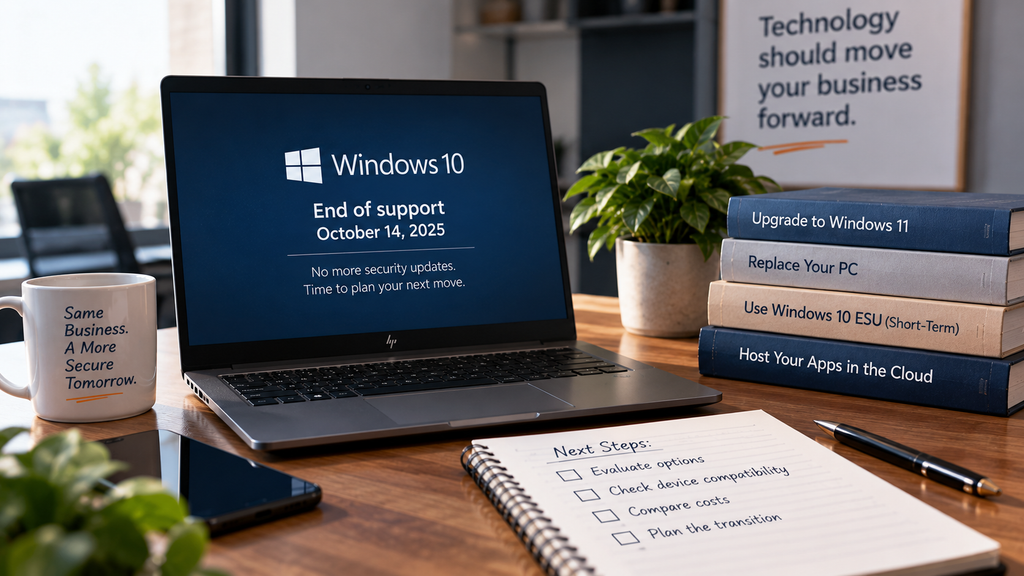
There are four practical alternatives, and the right one depends on your hardware and how you work. You can upgrade an eligible PC to Windows 11 at no cost, buy a new Windows 11 machine, pay for ESU as a short bridge, or host your applications on a current cloud environment and reach them from your existing device. Windows 10 reached end of support on October 14, 2025, so doing nothing is the one option that leaves your data on an operating system Microsoft no longer patches. Everything below is a way to avoid that.
Why ESU is a short-term bridge
ESU keeps security patches flowing, and nothing else. It does not add features, fix non-security bugs, or come with technical support, and the commercial program is sold year by year at a price that doubles each year. Per Microsoft’s commercial ESU documentation, businesses start around $61 per device in year one, and the cost is cumulative: enroll late and you still pay for the earlier years. The program caps at three years, so it buys time to plan, not a place to stay. Use the estimator to see what that looks like across a fleet.
That total is only the operating-system patches. It does not include the staff time to manage enrollment, and it does nothing for an aging machine's speed or reliability. Consumer ESU for home users is a separate, shorter arrangement, and Microsoft has adjusted its dates more than once, so check the official support page for the current terms before you rely on any figure.
Your alternatives, and who each suits
Upgrade to Windows 11. Free when the PC qualifies, which means TPM 2.0, Secure Boot, and a supported processor. Best for newer machines that meet the requirements. Many older accounting and CRM PCs do not, which is what sends firms looking for another route.
Replace the PC. A new Windows 11 machine solves the operating-system problem and refreshes hardware that was due anyway. Best for PCs already near retirement, though it is capital spending per device, multiplied across your team.
Buy ESU. A paid, escalating, three-year bridge. Best as a short, deliberate stopover while you finish a plan, not as a fleet-wide strategy, since the doubling price is designed to move you off Windows 10 rather than keep you on it.
Host your apps and use the PC as a terminal. Move QuickBooks, Sage, or Act! to a hosted cloud environment and the work no longer depends on the local operating system. Best for firms that want the app and its data off the endpoint, with anywhere access, and it is the one option that removes the deadline rather than delaying it.
How hosting sidesteps the ESU treadmill
When your accounting software runs in a hosted environment, the software and your data live on a current, managed operating system that your provider keeps patched. The Windows 10 PC in your office becomes a screen that connects to it, so its operating system is no longer the thing standing between an attacker and your books. Microsoft reinforces this directly by including Windows 10 ESU at no extra charge for machines running in Azure Virtual Desktop and Windows 365, which means a hosted Azure setup avoids the per-device ESU bill the estimator shows. There is a related detail worth knowing: Microsoft is providing security updates for Microsoft 365 Apps on Windows 10 through October 2028, so Office stays covered for a while even though the operating system underneath it does not.
Be honest about the boundary. Hosting your apps does not patch a separate Windows 10 machine someone still uses for other work; that endpoint is still your responsibility. What hosting fixes is the accounting stack and the server behind it. If the deadline caught your whole office, our guide on Windows 10 end of support for business covers the wider decision, and you can see how the environment is built on our QuickBooks Desktop hosting and virtual server pages.
Why CloudTop Office
CloudTop Office has hosted accounting software since 2000 on Microsoft Azure in U.S. regions, with the operating systems and infrastructure kept current, plus managed daily backups, multi-factor authentication, encryption, and 24/7 U.S.-based support. More than 500 businesses run their apps with us, and moving your accounting stack onto supported cloud infrastructure is usually a short, planned project. To compare the cost of hosting against another three years of ESU for your setup, get a personalized quote.
Windows 10 ESU alternative questions
What is the best alternative to Windows 10 ESU?
It depends on your hardware. If your PCs meet Windows 11's requirements, upgrading is free. If they do not, replacing them or hosting your apps in the cloud both get you onto supported systems, and hosting lets you keep using the old PC as a terminal while the work happens on current infrastructure.
How much does Windows 10 ESU cost a business?
Microsoft's commercial program starts around $61 per device for year one and doubles each year, to roughly $122 and then $244, for up to three years. It is cumulative, so enrolling late still means paying for the earlier years. Use the estimator above for your device count.
Does hosting really avoid the ESU cost?
For the hosted machines, yes. Microsoft includes Windows 10 ESU at no extra charge on Azure Virtual Desktop and Windows 365, and hosting your apps puts the work on a current, managed operating system rather than an out-of-support local one. You still handle any separate endpoint you keep using for other tasks.
Can I just keep running Windows 10 without ESU?
The PC keeps working, but it stops receiving security updates, which leaves known vulnerabilities open on a machine that may hold financial data. Many cyber insurers now ask about unsupported systems, so running Windows 10 without ESU or another fix carries real risk beyond the technical one.
What happens to Office on Windows 10?
Microsoft is providing security updates for Microsoft 365 Apps on Windows 10 through October 2028, so Office stays patched for a while. That covers the apps, not the operating system beneath them, which is the part that reached end of support and drives the ESU question.
Rather skip the ESU bill altogether?
A 15-minute call is enough to compare hosting your accounting apps against another three years of ESU for your setup.
Book a 15-min consult
Leave a Reply