

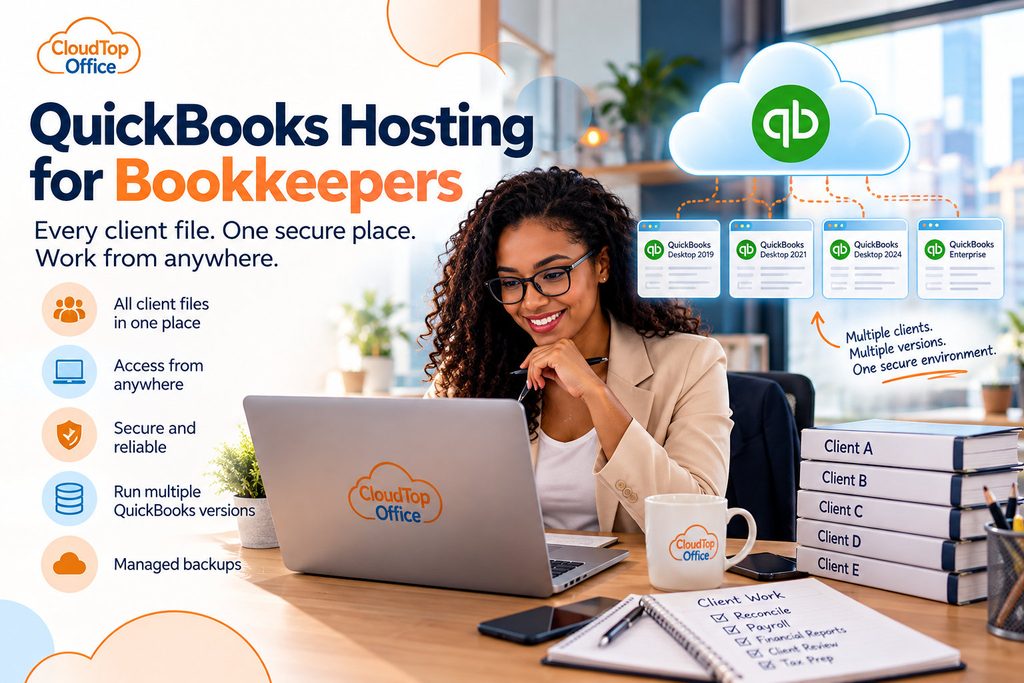
A bookkeeper’s setup tends to grow by accretion. One client’s file lives on the office desktop, another on the laptop you carry to meetings, a third you open by remoting into the client’s own machine. Add a few years of QuickBooks versions for clients who never upgraded, and by tax season you are juggling logins, files, and computers as much as actual books. That scattered reality is what QuickBooks hosting for bookkeepers is meant to simplify: one place, reachable from anywhere, that holds every client file you work in.
The multi-client problem
A bookkeeper’s challenge is rarely a single file. It is twenty of them, each a different client, sometimes on a different QuickBooks version, spread across whatever machine happened to be handy when the work came in. You lose time just getting to the right file: switching computers, hunting for a login, waiting on a remote connection to a client’s slow PC. When a client calls with a question, the answer depends on which machine you are sitting at. And the files do not stay in one place, so neither does your sense of what is backed up, what is current, and what is only on a laptop that could be lost or stolen.
What hosting changes for a bookkeeper
Hosting puts all of it in one cloud environment you reach from any device. Every client file sits in the same place, so moving from one client to the next is a matter of opening a different company file, not a different computer. You can run several QuickBooks versions and years side by side, which matters when your clients are not all on the same release. If you bring on staff or a subcontractor, they get their own secure access rather than a copy of a file emailed around. And the whole thing runs on a maintained server with managed backups, so you are not the one remembering to back up fifteen companies by hand. For a bookkeeper, the appeal is less any single feature and more that the sprawl collapses into one place. Our QuickBooks hosting for accountants page covers the firm side of the same idea.
It also tidies up how you work with clients. Instead of a client emailing a backup file that is already a week stale, or you remoting into their machine at an awkward hour, the file lives in one shared, controlled place. You can keep a client’s file bookkeeper-only, or give that client their own login to view their books, whichever suits the engagement. As your practice grows, you add clients and users rather than more computers to keep track of.
Where hosting is not the fit
Being honest about this saves you a call. If all of your clients are on QuickBooks Online, hosting is not your tool, QuickBooks Online Accountant is built for that, and there is no desktop file to host. Hosting is for bookkeepers working in QuickBooks Desktop or Enterprise, where the files are real and the versions pile up. If your practice is a mix, hosting covers the Desktop side while your online clients stay where they are. The point is to match the tool to how you actually work, not to move everything for its own sake.
If most of your work is in QuickBooks Desktop and your files are spread across more machines than you would like, hosting is worth a look. You can see how it is set up on our QuickBooks Desktop hosting page, or talk it through with our team.
Every client file in one place you can reach from anywhere.
A 15-minute call is enough to see how hosting would pull your client files, versions, and backups into one environment.
Book a 15-min consult
Leave a Reply