

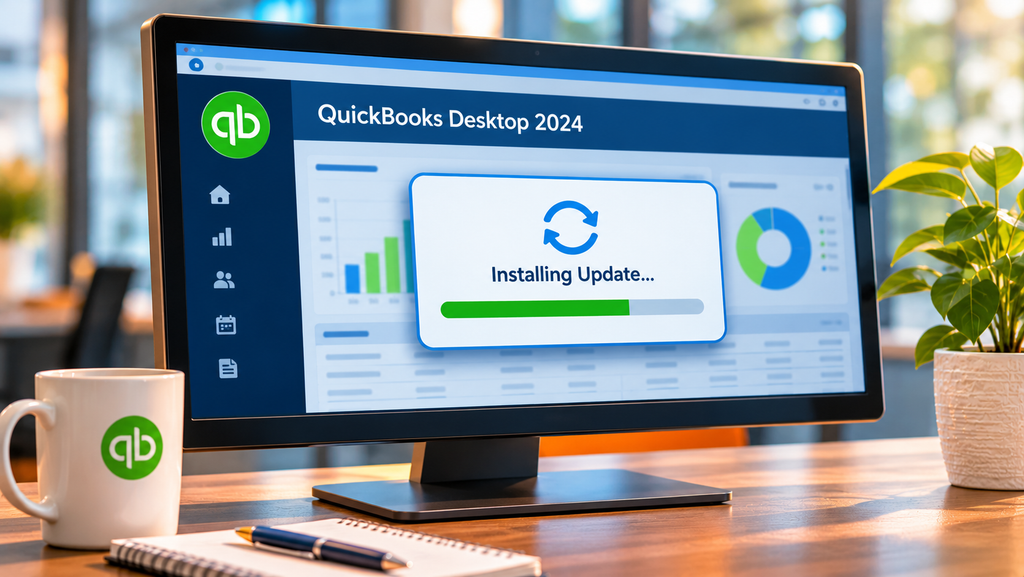
QuickBooks Desktop 2024 updates are still arriving, and they include new features. What ended is the annual version cycle: Intuit has confirmed that QuickBooks Desktop Plus 2024 and Desktop Enterprise 24.0 were its final annual platform releases. Instead of a 2025 or 2026 edition to install, current subscribers receive improvements through in-product updates during the year. For a finance leader deciding whether to keep Desktop, that difference matters. No new version names is not the same as a product that has stopped changing, and planning around the wrong one leads to the wrong decision.
Four things that get blurred together
Most confusion about QuickBooks Desktop comes from treating four separate questions as one. Version names, features, support, and sales each have a different answer.
Read together, the picture is a product with no new version names, ongoing feature and security updates, and continued support for current subscribers. That is very different from a frozen product. Intuit sets out these commitments on its QuickBooks Desktop release process page.
What continuous updates have looked like
Intuit’s release notes for Desktop 2024 show features arriving through updates rather than through a new edition. A few recent examples:
Some of these are compliance changes and some are everyday productivity improvements. Either way, they reach you only if updates are installed. The full list is on Intuit’s What’s new in QuickBooks Desktop 2024 page.
What this means if you are deciding whether to keep Desktop
Keeping QuickBooks Desktop is not a decision to stand still. Version 24.0 has no announced end date, it keeps receiving security patches, tax compliance changes, and feature enhancements, and Enterprise remains available to new buyers. The decision still deserves a clear look at renewal costs, how your team works, and the add-ons you depend on, and Intuit also promotes QuickBooks Online as an alternative. But the idea that Desktop is a dead end on a countdown does not match Intuit’s own guidance.
What does matter is staying current. Intuit’s continued support applies to version 24.0, and the way it delivers improvements is through updates you accept. A system left on an older release, or one that ignores update prompts for months, drifts away from the supported state. Intuit warns that unsupported versions lose live support, payroll, payments, online bank feeds, and the latest critical security patches. Staying on the current release is now the ongoing task that a new version-year used to force once a year.
Who applies the updates?
In-product updates are easy on a single computer: accept the prompt or turn on automatic updates. In a multi-user setup, they take more care. Every user needs to be on the same release, the company file and its add-ons need to keep working afterward, and the update should go in outside working hours with a backup taken first. Someone has to own that routine, and it is easy for it to slip when the job belongs to nobody in particular.
This is application maintenance, separate from the operating system patching we covered in what your MSP should handle. If QuickBooks Desktop is hosted, it is worth asking your provider directly whether applying QuickBooks releases is included or left to you, how they schedule updates around month-end, and how they confirm add-ons still work afterward.
QuickBooks Desktop update questions
Is QuickBooks Desktop 2024 the last version?
It is the last annual version. Intuit says Desktop Plus 2024 and Enterprise 24.0 were its final annual platform releases. The product continues through in-product updates instead of new version-years.
Does QuickBooks Desktop 2024 still get new features?
Yes. Intuit lists feature enhancements alongside support, security patches, and tax compliance among its commitments for version 24.0, and its release notes show new features added through updates in 2025 and 2026.
Can I still buy QuickBooks Desktop?
In the U.S., QuickBooks Desktop Enterprise is still sold to new customers. Pro Plus, Premier Plus, Mac Plus, and Enhanced Payroll stopped selling to new customers after September 30, 2024, though existing subscribers can continue to renew.
What happens if I don’t install QuickBooks Desktop updates?
You miss the security patches, compliance changes, and features that now arrive only through updates. Intuit also warns that unsupported versions lose live support, payroll, payments, online bank feeds, and critical security patches, so staying current is the ongoing task.
Keeping QuickBooks Desktop? Keep it current.
Book a short QuickBooks consultation to review your version, your update routine, and what managed hosting would cover for your setup.
Book a QuickBooks consultation
Leave a Reply