

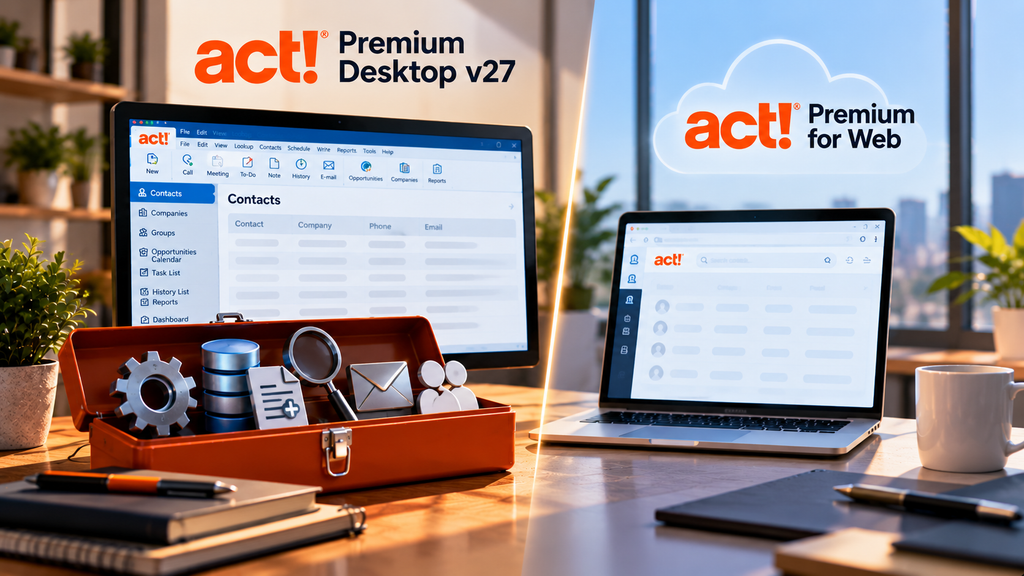
Act! Premium Desktop v27, with its v27.1 update, added a set of features that Act! says are available only to Premium Desktop subscribers, not to Act! Premium for Web. If you use the web edition for the convenience of browser access, this is the trade you are making: several of the newer productivity and data tools live on the desktop side. The list below is what those tools are. The question that follows, how to get them without giving up remote access, has a straightforward answer at the end.
The Desktop-only features in v27 and v27.1
Why these are Desktop-only
Act! is unusual in offering the same CRM through both a Windows desktop app and a browser edition. The two share a database, but they do not share every feature. The tools above are the kind of power-user and administrative functions that tend to arrive on the desktop first, and Act! has marked them as Premium Desktop features rather than web features. For a casual user who mostly looks up contacts and logs activities, the web edition is fine. For someone running bulk updates, cleaning a large database, or building mail merges, the desktop is where the work gets done. That is the honest line between the two, and it shows up clearly in a release like v27.
Keeping the features and working from anywhere
The usual reason people choose the web edition is access: they want to reach Act! from anywhere without installing software. Hosting the desktop is another way to get that. When Act! Premium Desktop runs on a cloud server, your team reaches the full desktop, v27 features and all, from any device, so you are not choosing between the power-user tools and remote access. You keep both. We compared the two editions in more detail in our look at hosted Act! versus Act! Advantage Cloud, and our Act! hosting page shows how the hosted desktop is set up. It will not fit everyone, a browser-only user with simple needs may be perfectly happy on the web edition, but for teams that live in the desktop tools, it is worth knowing the option exists.
Act! v27 questions
Are v27 features really not in Act! Premium for Web?
Act! states that the v27 and v27.1 enhancements are available only to Premium Desktop subscribers, not to Act! Premium for Web. The two editions share a database, but not every feature, and these newer tools are on the desktop side.
Can I get these features and still work remotely?
Yes. Hosting Act! Premium Desktop on a cloud server lets your team reach the full desktop, including the v27 features, from any device. That keeps the desktop-only tools available without giving up remote access.
Do I have to upgrade to v27 to host Act!?
No. Hosting runs the version you license. If you are on an older release, you can host that, and fold a move to v27 into the setup if you want the newer features and SQL 2022. The choice is yours, not a requirement of hosting.
Want Act! Premium Desktop, v27 features and all, from anywhere?
A 15-minute call is enough to see how hosting your Act! Premium Desktop would work for your team.
Book a 15-min consult
Leave a Reply