

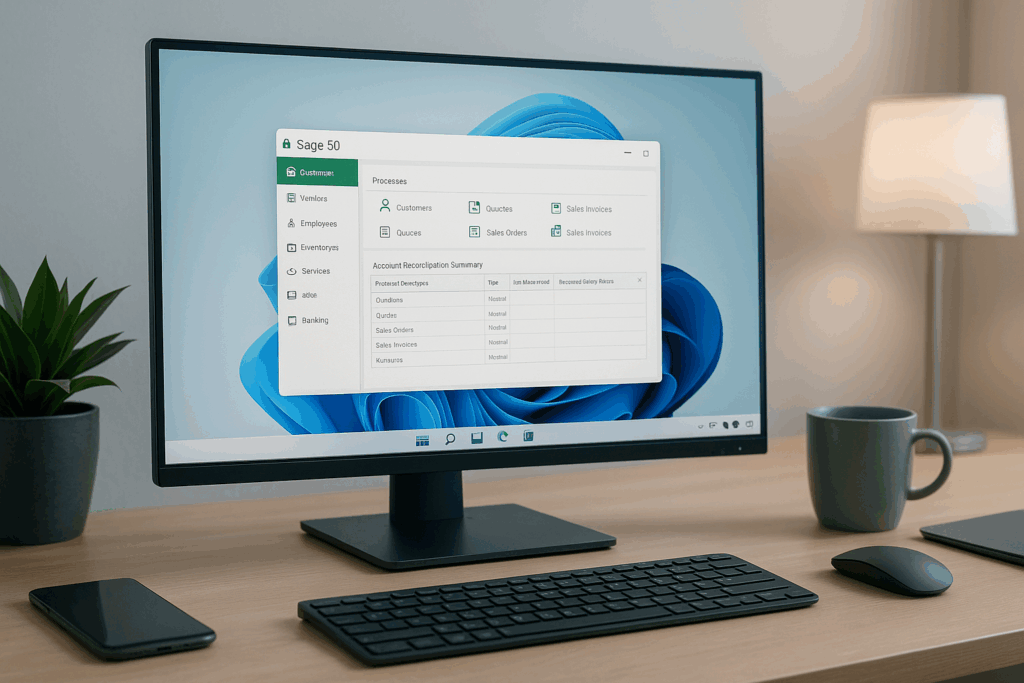
If your books live on a back office server that no one wants to touch, you are not alone. Sage 50 is the heart of many growing companies, yet local installs slow teams down and create blind spots. Sage 50 hosting with CloudTop Office gives you secure anywhere access, better performance, and a support team that understands accounting workflows. This guide explains how Sage 50 hosting works, why it helps finance move faster, and what a clean migration looks like from planning to cutover.
What Sage 50 hosting means in plain language
Sage 50 hosting moves your existing Sage 50 to a managed cloud environment. Your team signs in to a secure portal and launches Sage 50 just like they do today. The difference is that it runs on tuned servers with fast storage and built in backups. You keep your Sage 50 licenses and your company files. We handle the platform, the security, and the day to day care.
Sage 50 hosting in plain English CloudTop Office runs your Sage 50 on managed cloud servers so your team opens the app from anywhere with speed security and backups built in.
You keep your licenses and company files. We handle updates monitoring and support. Sign in through a secure portal with Microsoft 365. Multi factor authentication and encryption protect access. Backups and snapshots enable quick restore.
Who benefits right away
- Controllers who want predictable uptime and fewer surprises
- Owners who want a clear monthly cost instead of capital expense
- Accountants who need reliable remote access without a virtual private network
- Teams that outgrew a peer to peer setup and need stronger performance
Why host Sage 50 with CloudTop Office
1. Real improvements you will feel in week one
- Faster opens and saves for company files due to solid state storage and right sized server
- Smooth printing and scanning from the cloud to your local devices
- Sign in once with Microsoft 365 and launch Sage 50 in seconds
- Reliable access for remote staff and branch offices without a virtual private network
2. Security that protects your books and your reputation
- Multi factor authentication for every user
- Encryption in transit and at rest across the environment
- Least privilege access on a private network with strict rules
- Immutable backups and frequent snapshots with verified restore tests
- Optional logging and retention rules to support audits
3. A support team that knows accounting environments
- We speak Sage 50 printers and line of business add ons
- We coordinate with your Sage partner or reseller when needed
- We tune performance for your company file sizes and user counts
- US based support with a team in Houston Texas
- We speak Sage 50, printers, and line of business add ons
- We coordinate with your Sage partner or reseller when needed
- We tune performance for your company file sizes and user counts
How Sage 50 hosting works under the hood
Your users connect through a secure web portal. From there they open Sage 50 as a published app or they use a full cloud desktop with Outlook and Office alongside Sage 50. Parallels RAS powers the experience for a smooth session even on lower bandwidth connections. We monitor the servers, apply updates on a schedule, and keep backups current. You focus on closing the books and serving the business.
Architecture options
Published app Users launch only Sage 50 from the portal. Ideal for teams that live inside the accounting app.
Full cloud desktop A complete Windows desktop where Sage 50 sits next to Office, Outlook, file shares, and other tools.
We help you pick the model that fits your users today and can scale as your needs change.
Migration plan that avoids downtime
A strong cutover is planned not rushed. Here is our typical path.
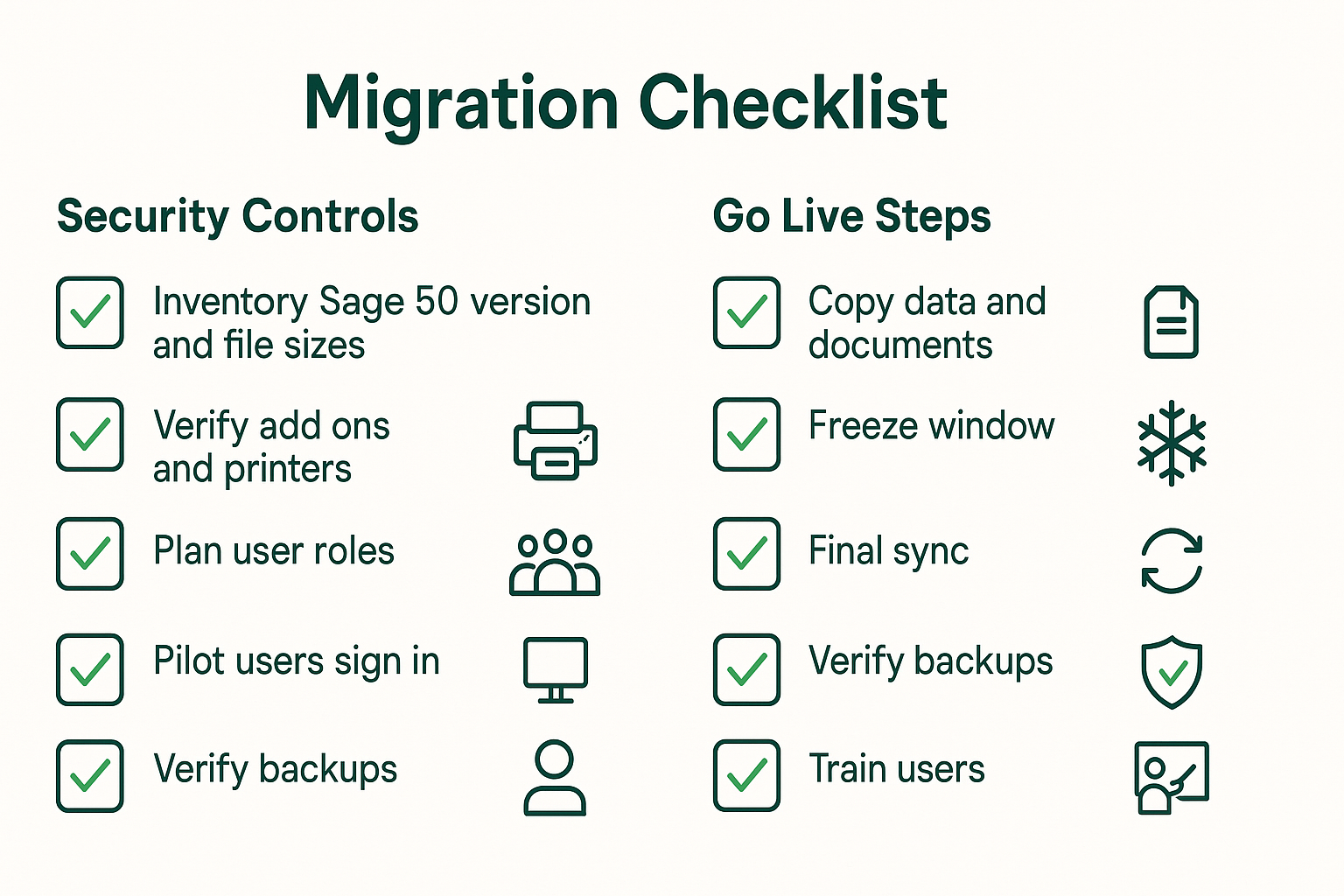
- Discovery – We inventory your Sage 50 version, add ons, printers, and company file sizes. We also map who needs access and any special permissions.
- Pilot – We set up a small group in the cloud, validate printing and scanning, and measure file open and save times.
- Data sync – We copy your company files and any linked documents to the cloud environment. We repeat this step to capture changes before go live.
- Freeze window – We set a read only window for the final sync. This keeps all records consistent during the cutover.
- Go live Users sign in to the portal and begin work – We stand by to monitor performance and answer questions.
- After care – We keep a safety copy of the old system for a short period and then decommission it once everyone is comfortable.
Performance tuning that respects Sage 50
Sage 50 uses file based data access. That means storage speed and network stability matter more than raw processor specs. Our platform uses solid state storage and right sized memory to keep reads and writes snappy. For larger environments we separate roles so that document storage and print services do not contend with accounting activity.
Printing, scanning, and devices
Users print from the cloud to their local printers without extra steps. Scanners work as expected using secure redirection. For check printing we set the right drivers and test alignment during the pilot so pay runs stay on schedule.
Integrations that extend your accounting
- Microsoft 365 for identity and email
- OneDrive and SharePoint for shared document access
- Power BI for scheduled data extracts and dashboards
- Additional line of business apps when licensing allows
Pricing clarity
We keep pricing simple. You pay per user per month. Environments are sized by company file size and concurrency needs. There are no long term contracts. Most clients see a lower total cost of ownership compared to buying and maintaining a local server within the first year.
FAQs
What is Sage 50 hosting
Running your existing Sage 50 on managed cloud servers so users sign in through a secure portal with fast performance backups and security included. You keep your licenses and company files while CloudTop Office manages the platform.
Is Sage 50 cloud based
Sage 50 is a desktop application that becomes cloud accessible when hosted. With CloudTop Office your team opens Sage 50 from anywhere without a local server or a virtual private network.
Can we bring our own Sage 50 licenses
Yes. You keep your licenses and we host the platform.
Do we need a virtual private network
No. Users connect through a secure browser portal with multi factor authentication.
How do backups work
We take daily snapshots and offsite backups on a schedule that aligns to your retention policy. Restores are fast and tested.
What about add ons and printers
We validate third party add ons and set up printing and scanning during the pilot.
Where is our data stored
Your environment runs in trusted data centers with regional options to meet your needs.
Can you host other apps with Sage 50
Yes. We can add line of business tools when licensing allows. We will review the requirements during discovery.
Ready to see Sage 50 hosting in action
Let us size your environment and show you a live demo.
Visit our Sage 50 hosting page to learn more and get started.
Serving clients nationwide with US based support from Houston Texas.
Call CloudTop Office today at (713) 662 3994 or use the contact form on our site to schedule a consult.
Leave a Reply