

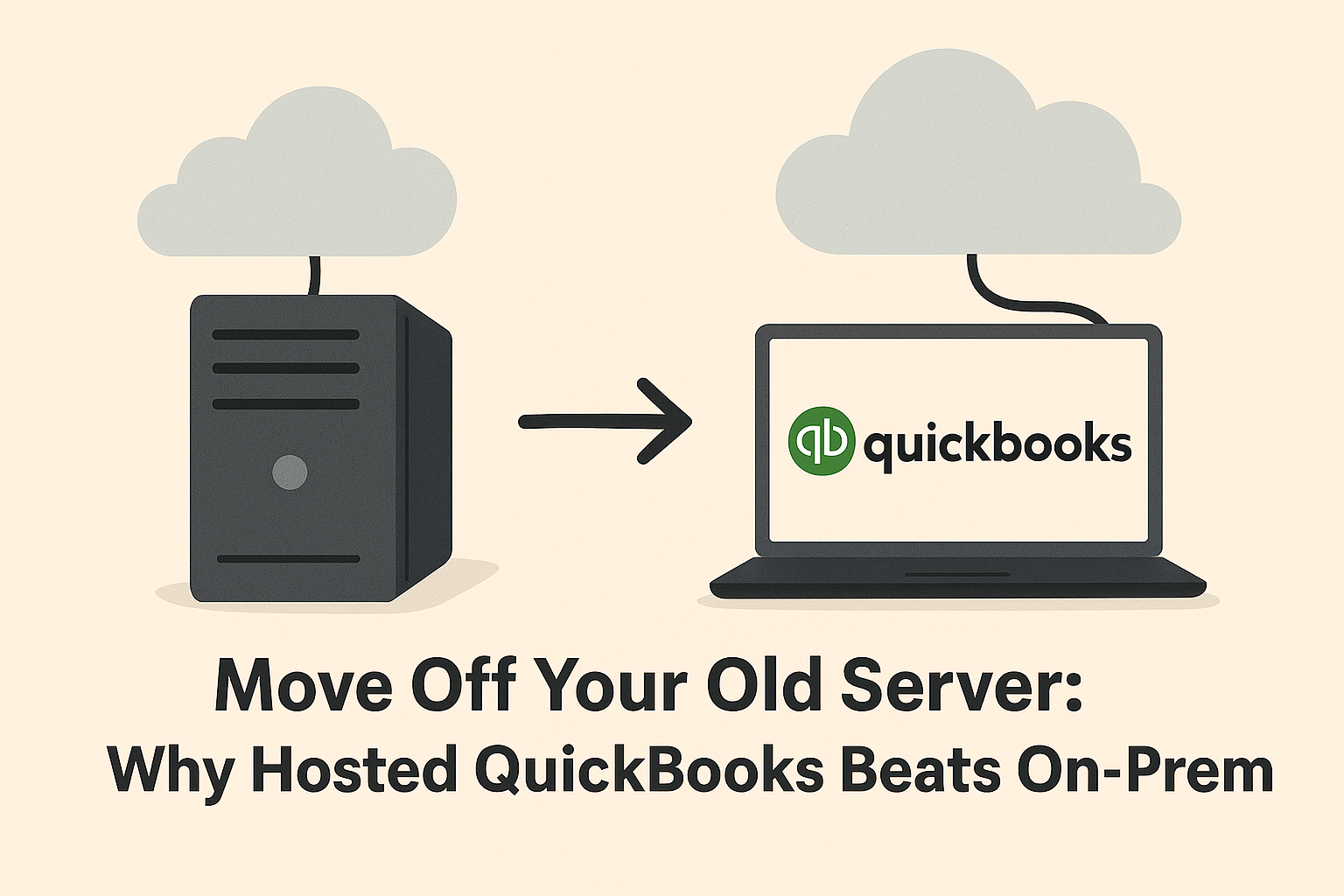
If your QuickBooks is still tied to an old server tucked in a back room, you’ve probably noticed the signs. The login process is slow, remote access is clunky, and the IT team keeps warning you about backups and patching. At first, keeping QuickBooks on-premises seemed like the practical choice. After all, “the server still works.”
But servers don’t age gracefully. They become more expensive to maintain, less secure with each passing year, and harder to keep available for a workforce that expects flexible, remote access. In 2025, the case is clear: moving QuickBooks off your old server and into a hosted environment is the smarter move.
Why On-Prem QuickBooks Holds Businesses Back
Downtime and Performance Issues
Old servers crash more often and struggle to keep up with modern workloads. Every minute of downtime costs your team productivity, and in some cases, revenue.
Security Risks
Cybercriminals target businesses with weak defenses. Local servers often lack enterprise-grade protections like multifactor authentication (MFA), intrusion monitoring, and data encryption. A missed patch or outdated firewall can expose sensitive financial data.
Hidden Costs
That server in the closet isn’t “free.” You’re paying for electricity, cooling, maintenance contracts, IT staff hours, and eventual hardware replacements. These costs creep up silently and often outweigh what you’d spend on hosting.
Remote Access Headaches
The modern workforce doesn’t sit in one office. VPNs and remote desktop tools for on-prem QuickBooks are often slow, unreliable, and frustrating for employees who need quick access to financial data.
Hosted QuickBooks: How It Works
Hosted QuickBooks takes the familiar QuickBooks Desktop experience and makes it accessible securely through the cloud. With CloudTop Office hosting, you log in from anywhere, whether at home, on the road, or in the office, using a secure connection.
There’s no VPN required. You see the same QuickBooks interface you already know, just without the server headaches. Behind the scenes, your QuickBooks runs on secure Azure datacenters managed and monitored by CloudTop’s experts.
The Business Case for Hosting
Lower IT Burden
Your IT staff no longer has to patch servers, chase backup jobs, or monitor hardware health. CloudTop handles all updates, backups, and infrastructure maintenance.
Enterprise Security & Compliance
CloudTop protects your QuickBooks data with MFA, RDP hardening, encryption, and SOC 2 aligned security controls. For industries with compliance requirements like HIPAA, this level of protection is critical.
Scalability
Growth shouldn’t be slowed down by hardware. Adding or removing users in hosted QuickBooks is quick and doesn’t require buying new servers.
Continuity & Disaster Recovery
With a 99.98% uptime SLA and nightly backups, CloudTop ensures QuickBooks is available when you need it. Even in the event of an outage or disaster, recovery is fast and reliable.
Case in Point: A Real-World Example
Consider a mid-sized accounting firm in Houston. For years, they ran QuickBooks on a local server. Their IT costs rose every quarter, more hours spent patching, more money for emergency repairs, and endless headaches with VPN access. Staff working remotely often complained about lag and lost connections.
When the server finally crashed during tax season, downtime brought the business to a standstill. That’s when they turned to CloudTop Office for hosted QuickBooks.
Within days, their team was migrated into the cloud. Staff now log in securely from anywhere, uptime is reliable, and the IT department no longer spends weekends monitoring backup jobs. The firm estimates they’ve cut IT costs by 30% while giving employees a smoother, faster QuickBooks experience.
FAQs: What Businesses Ask Before Moving
Is hosted QuickBooks slower than on-prem?
No. In fact, most businesses find hosted QuickBooks runs faster, thanks to enterprise-level infrastructure and high-performance datacenters.
What about data security?
Hosted QuickBooks is more secure than a local server. CloudTop uses MFA, encrypted storage, and 24/7 monitoring to protect financial data from cyber threats.
How long does migration take?
Most migrations are quick and seamless. CloudTop experts handle the process, minimizing downtime and ensuring all your data and settings carry over.
Do we lose the “desktop feel” of QuickBooks?
Not at all. You’ll keep the same QuickBooks Desktop software and features, just delivered through the cloud for more flexibility.
Time to Retire the Server
That old server has done its job, but it’s no longer the best way to run QuickBooks. Hosted QuickBooks with CloudTop Office offers better performance, stronger security, and lower costs, without the constant IT headaches.
Whether your server is approaching its end of life or you’re just tired of patching and downtime, now is the time to move. Businesses that switch rarely look back.
📞 Call CloudTop Office today at (713) 662-3994 to schedule your QuickBooks hosting migration and step into a smarter, more secure future.
Leave a Reply