

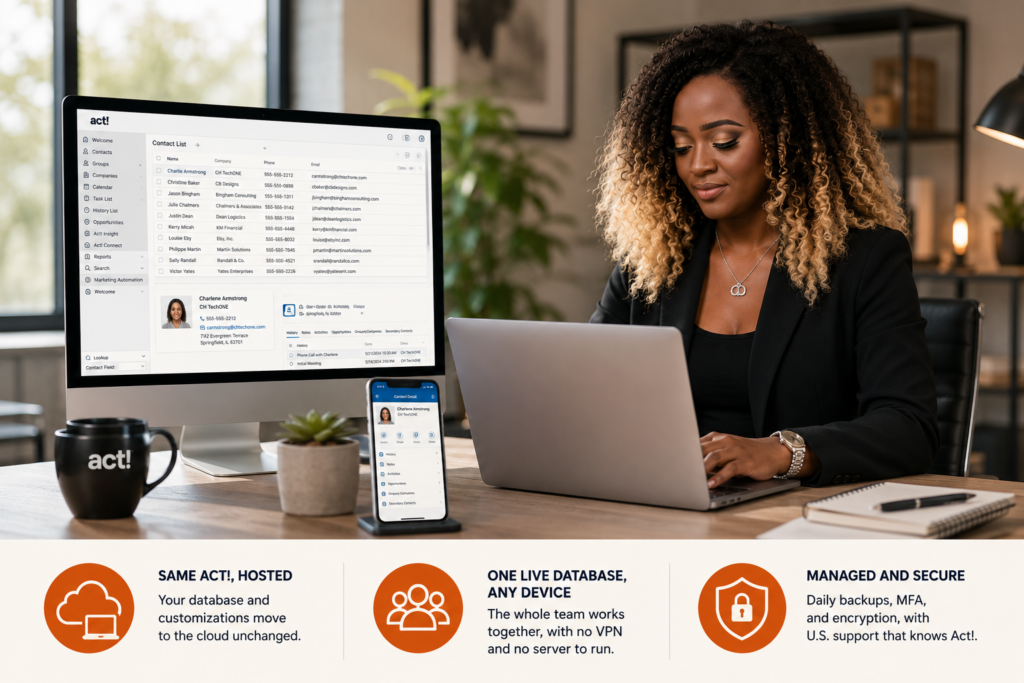
Act! CRM hosting takes the Act! software your team already runs and puts it on a secure cloud server you can reach from any device. Your database, custom fields, layouts, and add-ons stay exactly as they are. The only thing that changes is where Act! lives and who keeps it backed up, patched, and available. You keep the full desktop, and you gain access from anywhere with one less server to worry about.
Same software, new address
Hosted Act! is not a stripped-down web version. It is your licensed Act! Premium, opened the same way, with every field and report where you left it. What changes is the location. Instead of running on an office PC or an aging server, your database sits in a secure U.S. data center, and you log in remotely to work exactly as before. Backups, security patches, and uptime become someone else’s job. That is the trade: hand off the maintenance, keep the software untouched. Our Act! CRM hosting page covers how the environment is built.
Made for teams on the move
Hosting pays off when your people are not all in one building. A rep can update an opportunity from a client’s lobby, a manager can pull the same pipeline from home, and both see current data because they share one live database, not synced copies. Field and hybrid sales teams get the most from it, along with multi-location offices tired of VPN workarounds and owners who would rather not buy another on-prem server. If you want a purely browser-based CRM and accept its trade-offs, Act!’s own cloud edition is the other route. Hosting is the choice when keeping the full desktop matters.
Hosting from people who know Act!
Plenty of providers can run a server. Fewer understand Act!. CloudTop Office has worked with Act! since 1994 and hosted business software since 2000, so when a layout breaks, a sync misbehaves, or a migration gets tricky, our U.S.-based team fixes the software, not just the machine it runs on. If your database needs cleanup or fresh customizations first, our Act! consulting team handles that. More than 500 businesses run their software with us, on Microsoft Azure in U.S. regions with managed daily backups, multi-factor authentication, and encryption. To talk through your database, your users, and the right setup, book a consultation with our team.
Act! CRM hosting, answered
Is hosted Act! the same software I use now?
Yes. It is your licensed Act! Premium with the same screens, fields, layouts, and reports. Hosting changes where the software runs, not what it is, so your team works exactly as before.
Will my customizations and add-ons carry over?
They do. Your custom fields, layouts, saved reports, and the add-ons you already run move into the hosted environment, so nothing about your daily workflow is lost.
Can my whole team use Act! at the same time?
Yes. Multiple users log in to the same live database from any device, so everyone sees current data without syncing separate copies or relying on a VPN to the office.
How is my Act! data kept safe in the cloud?
Your database runs on Microsoft Azure in U.S. regions with managed daily backups, multi-factor authentication, and encryption, plus 24/7 U.S.-based support if anything needs attention.
Leave a Reply