

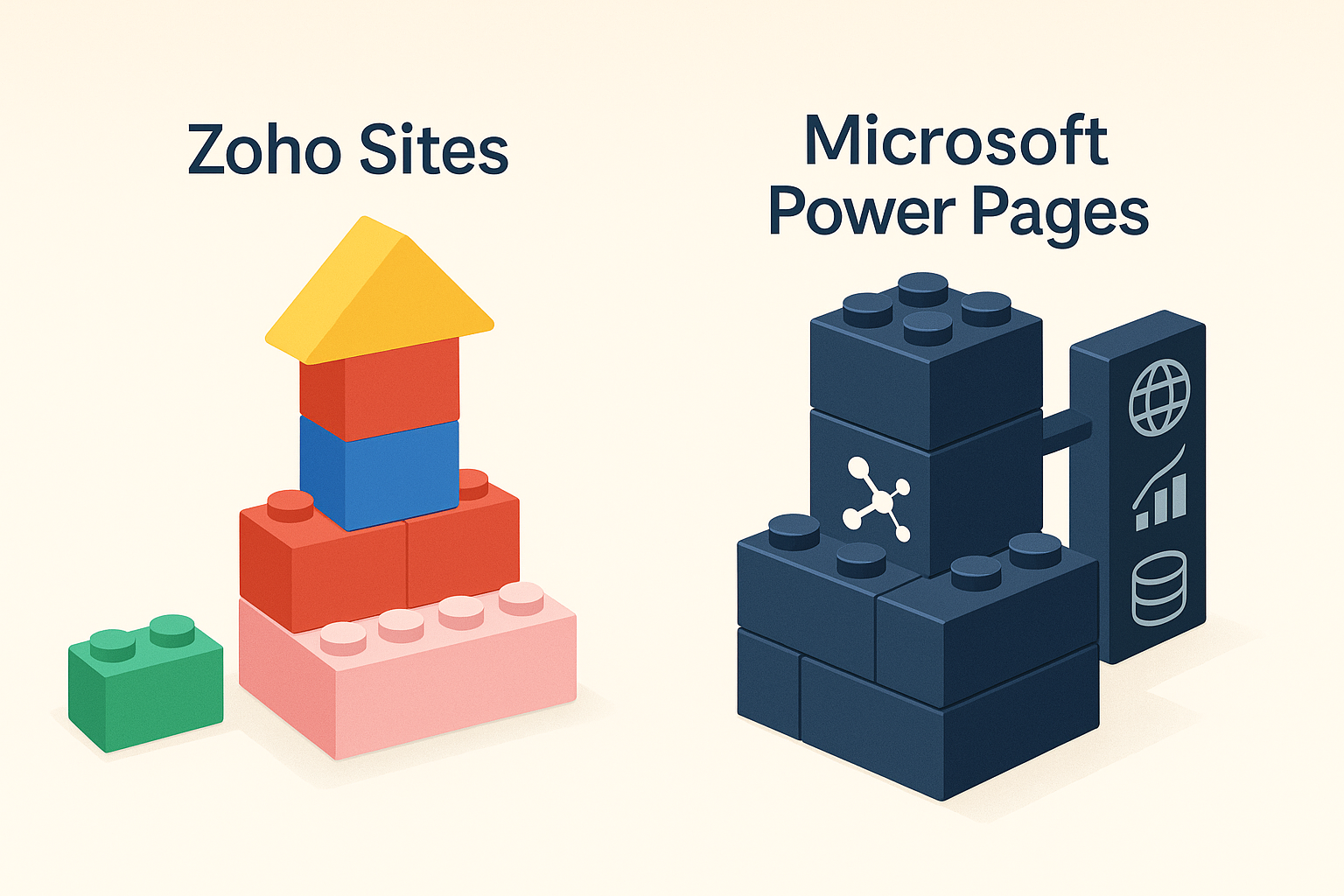
Not every business needs the same kind of website.
Some just need a professional online presence that is easy to update. Others need something much deeper, like a secure customer portal connected to real-time data.
That is where Zoho Sites and Microsoft Power Pages take two very different paths.
Both promise simple website creation, but they are built for entirely different kinds of teams.
At CloudTop Office, we see both tools in action. One is designed for speed and simplicity. The other is built for control and integration. The key is knowing which one fits your business goals.
🧱 Zoho Sites: Simple, Professional, and Connected
Zoho Sites gives businesses an easy way to create a clean, responsive website without any coding. Everything is visual and drag-and-drop. You can update pages, change layouts, or publish new content in minutes.
It is ideal for small and midsized businesses that want to focus on marketing, visibility, and lead generation rather than technical management.
Why Teams Choose Zoho Sites
- A simple editor that anyone can use
- Fully responsive templates for mobile and desktop
- Built-in SEO and analytics tools
- Integration with Zoho CRM, Campaigns, and SalesIQ
- Secure hosting and automatic backups
- Easy content updates without IT involvement
Zoho Sites fits naturally within the Zoho ecosystem. Leads from your forms can go straight into CRM, and your website activity can link directly to marketing campaigns. It is a great fit for teams that value simplicity, control, and connection.
🧩 Microsoft Power Pages: Secure and Data-Driven
Microsoft Power Pages is part of Microsoft’s Power Platform, designed for businesses that need secure, data-connected web portals rather than simple marketing sites.
It allows IT and development teams to build customer or partner portals that connect directly to Dataverse and Dynamics 365. These portals can display personalized data, manage logins, and handle complex workflows securely.
Why Enterprises Choose Power Pages
- Tight integration with the Microsoft ecosystem
- Role-based permissions managed through Azure Active Directory
- Access to data from Dynamics 365 and Power Apps
- Full customization with HTML, CSS, JavaScript, and Liquid templates
- Enterprise-grade security and compliance
Power Pages is ideal for organizations that want to create secure external portals for customers, partners, or vendors to access specific data and perform actions safely online.
⚖️ Key Differences at a Glance
| Feature | Zoho Sites | Microsoft Power Pages |
|---|---|---|
| Ease of use | Simple for any user | Requires Power Platform experience |
| Primary purpose | Business websites | Secure data-driven portals |
| Integrations | Zoho CRM, Campaigns, SalesIQ | Dynamics 365, Power Apps, Azure |
| Hosting and management | Fully managed by Zoho | Built on Microsoft Dataverse and Azure |
| Customization level | Visual, template-based | Low-code and developer-friendly |
| Target audience | SMBs and marketing teams | Enterprise IT and developers |
💡 When to Choose Each
Choose Zoho Sites if your goal is to:
- Create and manage a modern, professional website without coding
- Capture leads and connect them to Zoho CRM
- Keep control of your content without IT dependency
- Build a site that lives inside an integrated business platform
Choose Microsoft Power Pages if your goal is to:
- Build a secure customer or partner portal with role-based access
- Connect directly to Dynamics 365 or Microsoft Dataverse
- Manage sensitive data with enterprise-level security
- Allow developers to extend the site with advanced customization
🧠 CloudTop Office Insight
Both platforms promise easier web creation, but they are built for different worlds.
Zoho Sites is about presence. It helps growing businesses create a connected, professional website that lives inside the same system as their CRM and marketing tools.
Microsoft Power Pages is about interaction. It lets enterprises build secure, data-powered portals that share information safely with customers or partners.
If you need a simple, business-friendly website that just works, Zoho Sites is the clear winner.
If you are building complex portals that integrate deeply with Microsoft data systems, Power Pages will give you the control you need.
CloudTop Office Insight
At CloudTop Office, we help teams match the right tools to their real needs.
Whether you want a simple Zoho Sites website or a connected Power Pages portal, we can guide you through setup, integration, and optimization.
Call CloudTop Office today at (713) 662-3994 or visit our Zoho Consulting page to start the conversation.
Leave a Reply