

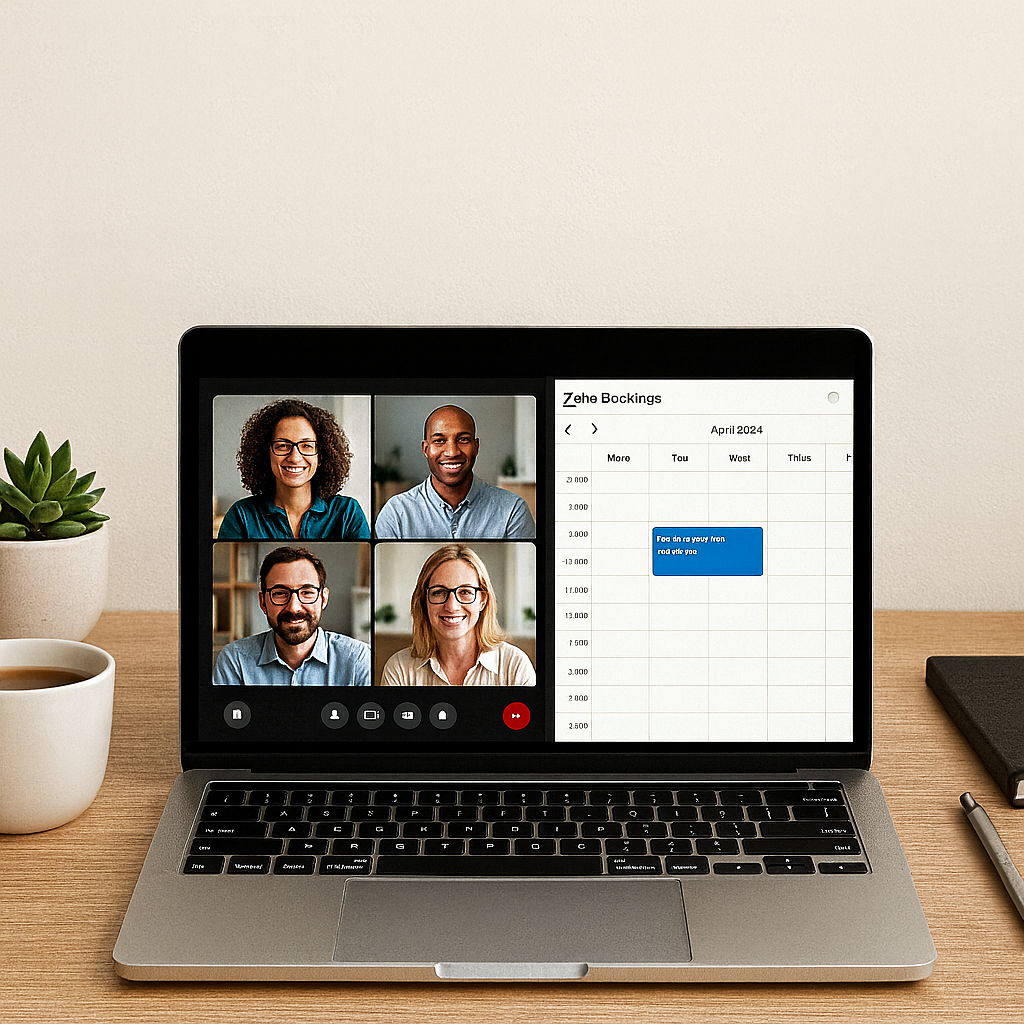
You know the routine.
A client wants to schedule a quick call, so there is a chain of five emails to find a time, another to share the meeting link, and at least one reminder before the day of the meeting.
It seems small, but when you add it up, your team can lose hours every week just trying to connect.
Zoho Meeting and Zoho Bookings fix that problem.
They take everything about scheduling and video meetings that usually eats up time and make it automatic.
Clients pick a time that works for them, a meeting link appears instantly, and everyone just joins ready to work.
No switching between apps.
No broken links.
No wasted time.
That is the kind of simplicity every growing business needs.
Zoho Meeting: Secure, Simple, and Built for Real Conversations
Zoho Meeting is Zoho’s version of video conferencing, designed to be simple, secure, and easy to use.
It runs directly in the browser, so no one has to install anything or waste time with updates before joining. You can start team syncs, client check-ins, or webinars in seconds.
Screen sharing, recordings, chat, and remote control are all included.
The real value comes from how it connects to the rest of Zoho.
You can start a meeting directly from Zoho CRM, Zoho Mail, or Zoho Calendar. When the meeting ends, notes and recordings stay organized within your system.
It is designed for teams that want reliable communication without extra steps.
Zoho Bookings: Smarter Scheduling Without the Back and Forth
If you have ever spent more time setting up a meeting than having it, Zoho Bookings will feel like a relief.
It shows clients your team’s real availability, adjusts for their time zone, and lets them choose a time that works for them.
Confirmations and reminders go out automatically, and rescheduling only takes a click.
You can create different booking pages for departments, services, or team members.
Once the appointment is confirmed, Zoho Bookings automatically creates a Zoho Meeting link and adds it to everyone’s calendar.
No extra tools. No endless reminders. Just scheduling that runs itself.
Better Together
Here is where it gets better.
When Zoho Meeting and Zoho Bookings work together, the process from booking to meeting to follow-up becomes seamless.
| Scenario | What Happens |
|---|---|
| A client books a consultation | Zoho Bookings sends a confirmation email and calendar invite with a Zoho Meeting link. |
| The meeting starts | The representative launches Zoho Meeting directly from CRM or the calendar. |
| After the meeting | Notes or recordings sync back to the client record automatically. |
This is how coordination becomes connection.
Real Use Cases for Service Teams
For MSPs, consultants, and operations teams, Zoho Meeting and Zoho Bookings simplify everyday work.
- Client consultations: Let clients schedule onboarding or planning sessions directly from your website.
- Sales demos: Prospects pick a time that fits, and the meeting link is created automatically.
- Team syncs: Keep recurring internal meetings organized across calendars.
- Support sessions: Turn a Zoho Desk ticket into a live meeting for real-time troubleshooting.
Everything happens inside the same platform, so you never need to jump between apps or tools.
The Bottom Line
Time management should not feel like another job.
Zoho Meeting and Zoho Bookings remove the friction from scheduling and communication so your team can focus on what really matters: your clients and your work.
They fit perfectly into the Zoho ecosystem, keeping everything connected, secure, and simple.
That is not just efficient. It is smart business.
CloudTop Office Insight
At CloudTop Office, we help teams simplify how they work.
From infrastructure planning to intelligent software adoption, we focus on tools that save time, reduce cost, and make collaboration effortless.
If your business is ready to streamline scheduling and meetings with Zoho, we can help you get started.
Call CloudTop Office today at (713) 662-3994 or visit our Zoho Consulting page to learn more or book a discovery call with our Zoho specialists.
Leave a Reply