

Sage 50 Accounting U.S. Edition 2026.0 is here with feature upgrades that save time and clear hurdles. Highlights include AR Automation for faster collections payroll improvements for super catchup contributions and expanded banking connections that make feeds more reliable. This guide explains what changed why it matters and how to plan a clean upgrade in a hosted environment.
Quick highlights
- AR Automation shares invoices sends reminders and collects payments with less work. Requires an active cloud subscription.
- Payroll updates add super catchup for ages sixty to sixty three and more special fields for allowances and additional withholding. A payroll plan is required.
- Banking integration expands so more institutions connect smoothly and securely.
- Quality fixes cover Outlook email setup installer serial number handling and cleanup of old links.
What is new in Sage 50 2026.0
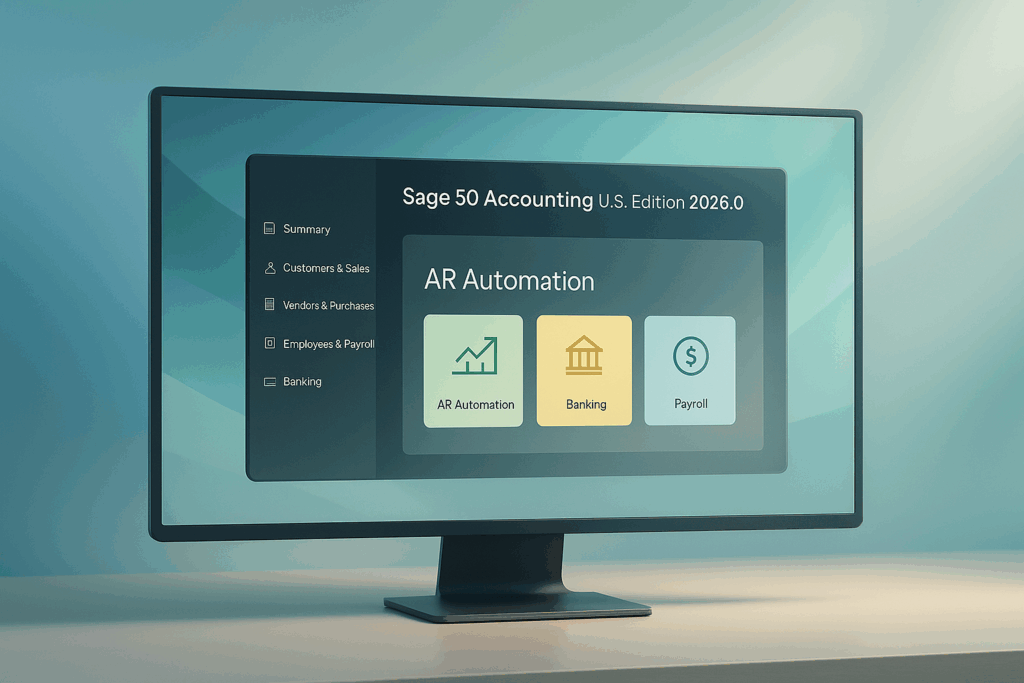
AR Automation: Automate your accounts receivable workflow. Share invoices with customers send payment reminders and collect on time. Improve cash flow and reduce manual admin.
Payroll updates: Super catchup eligibility for employees aged sixty to sixty three. Added special fields for allowances and additional withholding so payroll math matches your plan.
Banking improvements: Broader connections to financial institutions for steadier bank feeds.
Resolved issues: Better Microsoft 365 Outlook email setup auto populated serial numbers during installation and cleanup of retired integrations.
Who should upgrade now
- Teams that want to speed up collections with automated reminders and a customer payment portal
- Companies that need super catchup options this year
- Firms that struggled with bank feeds and want wider support
- Any site that ran into Outlook email setup errors or installer serial number hassles
If your current version is stable and none of the above are urgent you can schedule the move for a planned window. Staying current keeps you eligible for support and security updates.
Hosting and Sage 50 2026.0
Sage 50 runs great in a managed cloud and the 2026.0 release fits that model well.
- AR Automation requires a cloud subscription entitlement even when hosted. Plan licensing accordingly.
- Expanded banking works best when credentials are centralized and monitored in the hosted environment.
- Printing scanning and check runs follow the same steps as before. Validate during a short pilot.
US based support with a team in Houston Texas means you get local time zone help when you need it.
Safe upgrade checklist
- Confirm subscription status and cloud entitlements if using AR Automation
- Back up company files and test a restore in a separate space
- Verify third party add ons and printer drivers
- Stage a pilot environment and validate logins printing and bank feeds
- Schedule a read only window for the cutover
- Communicate the go live plan and quick rollback option
Add your migration checklist graphic here for quick scanning.
Frequently asked questions
What version numbers are included?
Sage 50 Accounting U.S. Edition 2026.0 across Pro Premium and Quantum.
Is AR Automation included?
The feature is available but requires an active cloud subscription entitlement.
What is super catchup?
A payroll contribution setting for employees aged sixty to sixty three. Requires a plan with payroll services.
Do I need to upgrade if I am on 2024.x?
You can plan your window but upgrading keeps you aligned with current support and delivers banking and reliability benefits.
Ready to plan your upgrade
Let us assess your current environment and build a clean upgrade plan with a one hour pilot.
Visit our Sage 50 hosting page to learn more and get started.
Serving clients nationwide with US based support from Houston Texas.
Call CloudTop Office today at (713) 662 3994 or use the contact form on our site to schedule a consult.
Leave a Reply