

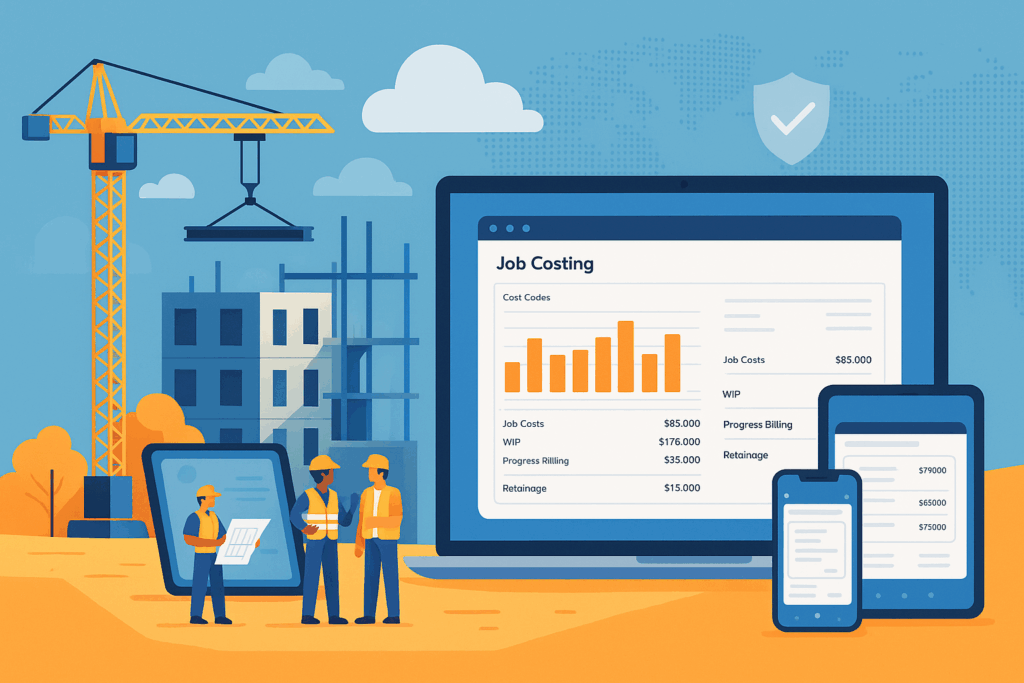
Every hour and every cost code matters on a jobsite. QuickBooks Hosting for Construction keeps the full power of QuickBooks Desktop in a secure cloud so job costing, progress billing, retainage, POs, and change orders flow in real time between the field and the back office. If you prefer a browser-first experience, QuickBooks Online’s Projects can also track profitability—your best fit depends on workflows, compliance, and team size.
Who this guide is for
Owners and project executives at small and medium businesses, controllers and accountants and CPA firms, and IT managers who need reliable job costing, remote access QuickBooks from any device, and predictable security and support.
How hosting works for builders
Hosted QuickBooks Desktop runs on a virtual desktop in a Microsoft Azure data center with centralized, secure storage. Users sign in from Mac, PC, iPad/tablet, smartphone, or Chromebook and work in the full Desktop application.
With CloudTop Office you get:
- Encryption, MFA, RDP hardening, and SOC 2 foundations
- 99.98% uptime SLA with proactive monitoring
- Nightly backups and tested disaster recovery
- Real-time remote access without a fragile office VPN
Construction features that matter most
- Construction job costing that matches your cost codes. Tag labor, materials, subs, and equipment to phases and tasks; see WIP and profitability by job.
- Advanced Inventory for materials. In QuickBooks Desktop Enterprise, track multi-location stock, FIFO, bins, and lot/serial—ideal for self-perform and material-heavy projects.
- Change orders and progress billing. Keep SOVs and retainage in sync without spreadsheet sprawl.
- Field-to-office time capture. Pair with timekeeping apps so labor lands on the right job and cost code automatically.
- Reporting your PMs actually use. Industry-style dashboards, job profitability, and cost-to-complete at a glance.
Why QuickBooks Hosting for Construction beats a VPN
Traditional VPNs to a small office server struggle with big company files, latency, and printing/scanning. Hosting centralizes your data in Azure with access controls, encryption at rest, layered security, and backups & disaster recovery—so superintendents, project managers, and accountants keep working from any device, anywhere.
Hosted Desktop vs QBO vs in-house server
| Decision point | Hosted QuickBooks Desktop for Construction | QuickBooks Online for Construction | In-house server or VPN |
|---|---|---|---|
| Best fit | Heavy job costing, retainage, Advanced Inventory, complex reports | Browser access, simple to moderate projects, fast collaboration | Legacy setups with local-only access |
| Access | Full Desktop in the cloud on any device | Browser + mobile apps | Remote via VPN to office PC/server |
| Job-costing depth | Industry-style reports, WIP, progress billing, change orders | Projects with job profitability and basic job costing | Varies by Desktop version and upkeep |
| Inventory & materials | Advanced Inventory for multi-location, FIFO, bins, lot/serial | Add-ons may fill gaps | Depends on edition and server capacity |
| Security model | Azure data center, encryption, MFA, RDP hardening, backups/DR | Intuit cloud security + admin controls | Your own stack and patching |
| Scale & performance | Sized for multi-user workloads and large files | Up to plan limits with real-time collaboration | Limited by office hardware and internet |
| Admin effort | Low, managed by CloudTop | Low, managed by Intuit | High, managed by your team |
Pricing and total cost notes
- Hosted Desktop: Keep or adopt Desktop licensing (often Enterprise for construction) and add quickbooks hosting service that bundles infrastructure, security, quickbooks backup and disaster recovery, and support. You replace server refreshes, power/cooling, and after-hours maintenance with predictable monthly OPEX.
- QBO: Subscription by tier (Essentials, Plus, Advanced), often plus add-ons for inventory, time, or reporting.
- Soft costs to budget: Uptime SLA, encryption/MFA, SOC 2 underpinnings in an Azure data center, admin time, and training.
Quick checklist to choose
Choose Hosted QuickBooks Desktop if you:
- Need QuickBooks Enterprise hosting with Advanced Inventory, multi-location stock, lot/serial, or complex job costing
- Work with large files and many concurrent users
- Rely on Desktop-only integrations or industry-style reports
- Want control over update timing and quickbooks multi-user hosting performance
- Prefer centralized data in Azure with host-managed backups & DR and a strong uptime SLA
Choose QuickBooks Online if you:
- Want browser-based access with less IT overhead
- Have distributed teams that benefit from role-based access and collaboration
- Can meet inventory and job-cost needs with QBO Projects plus apps
- Prefer built-in updates and faster rollout of new features
Implementation plan without the headaches
- Assess versions, company files, add-ons, and performance targets.
- Plan capacity, MFA and RDP hardening, and the closest Azure region.
- Build & secure the virtual desktop and storage; enable backups & disaster recovery.
- Install, configure, and migrate Desktop; set permissions; connect printers/scanners; test.
- Train, go live, and support with 24/7 monitoring and help desk.
Why Choose CloudTop Office for Hosted QuickBooks
- Virtual desktop hosting you can trust for SMBs and sales teams, tuned for QuickBooks Desktop hosting (Pro/Premier/Enterprise)
- Real-time remote access on any device with centralized, secure storage in Azure
- 24/7 support with unlimited portal access and remote help desk
- Customized hosting solutions and affordable plans with a 99.98% uptime SLA
- Nightly backups with industry best practices and disaster recovery
- Encryption, MFA, RDP hardening, and Azure-based SOC 2 foundations
- Easy onboarding: small plugin install, secure login, full Desktop versions from anywhere
- Maintenance handled by CloudTop for peace of mind
- Years of experience supporting small to medium-sized businesses and accountants and CPA firms
- Also provide consulting for Zoho, QuoteWerks, Act! CRM, plus Virtual Servers and QuickBooks Online guidance
- Local expertise in Houston, Texas with nationwide coverage
- Talk to a human: (713) 662-3994
Make the right move for 2025
If job costing, retainage, and material control drive your margins, QuickBooks Hosting for Construction keeps the Desktop features you rely on while giving your team secure, anywhere access and stronger resilience. If a browser-first workflow fits your ops, QBO Projects can deliver clear project profitability with less IT overhead. Either way, CloudTop Office will map your requirements, handle the migration, and support your team around the clock.
Take the next step
Leave a Reply